Free · HD Video · Music · Android

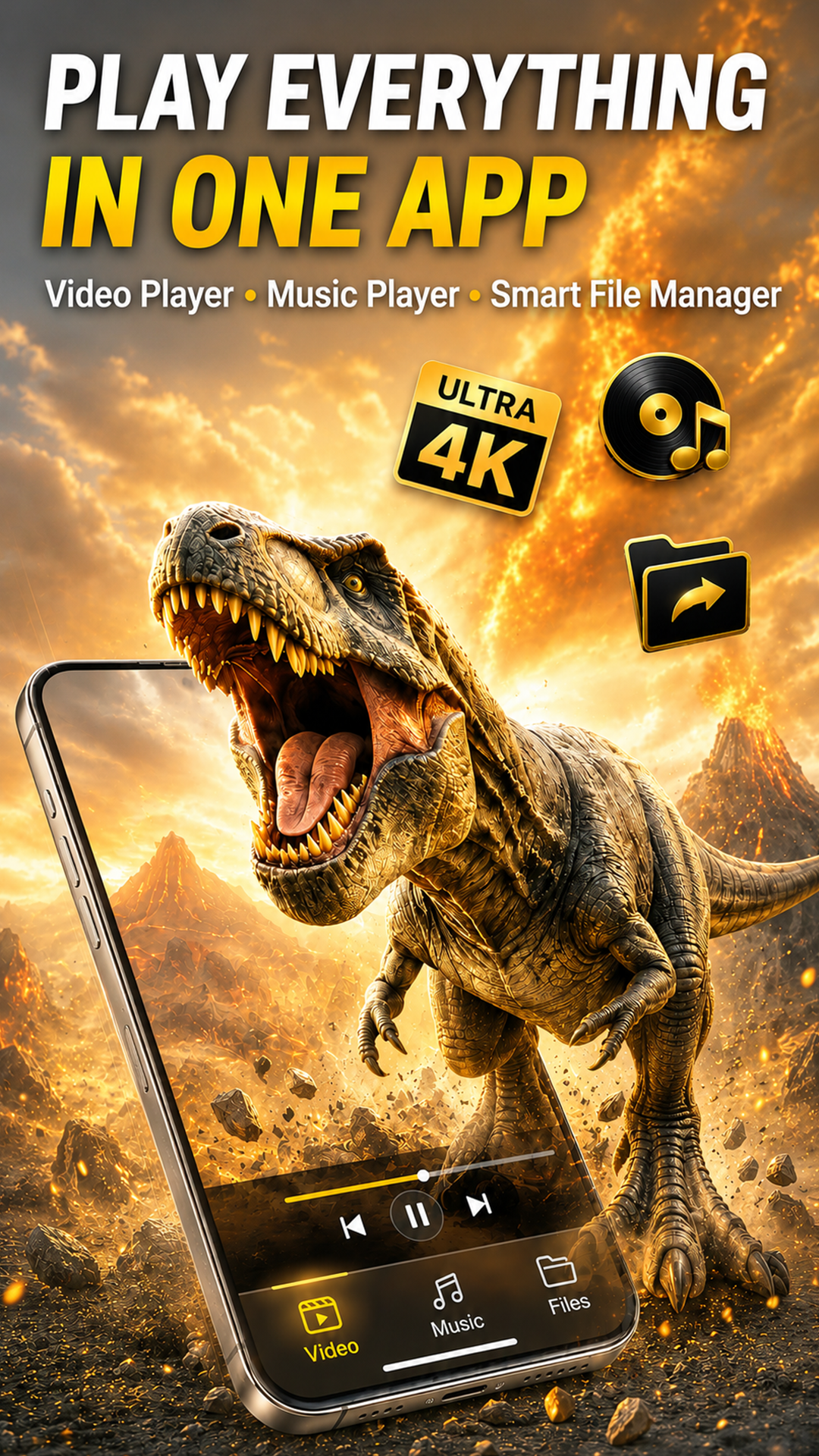
Play Everything
In One App

HD Video Player, Background Music, Video Downloader, Floating Window Player & Smart TV Cast — all in one free app for Android.
★ 4.7 · Free · Android 8.0+ · Phones & Tablets

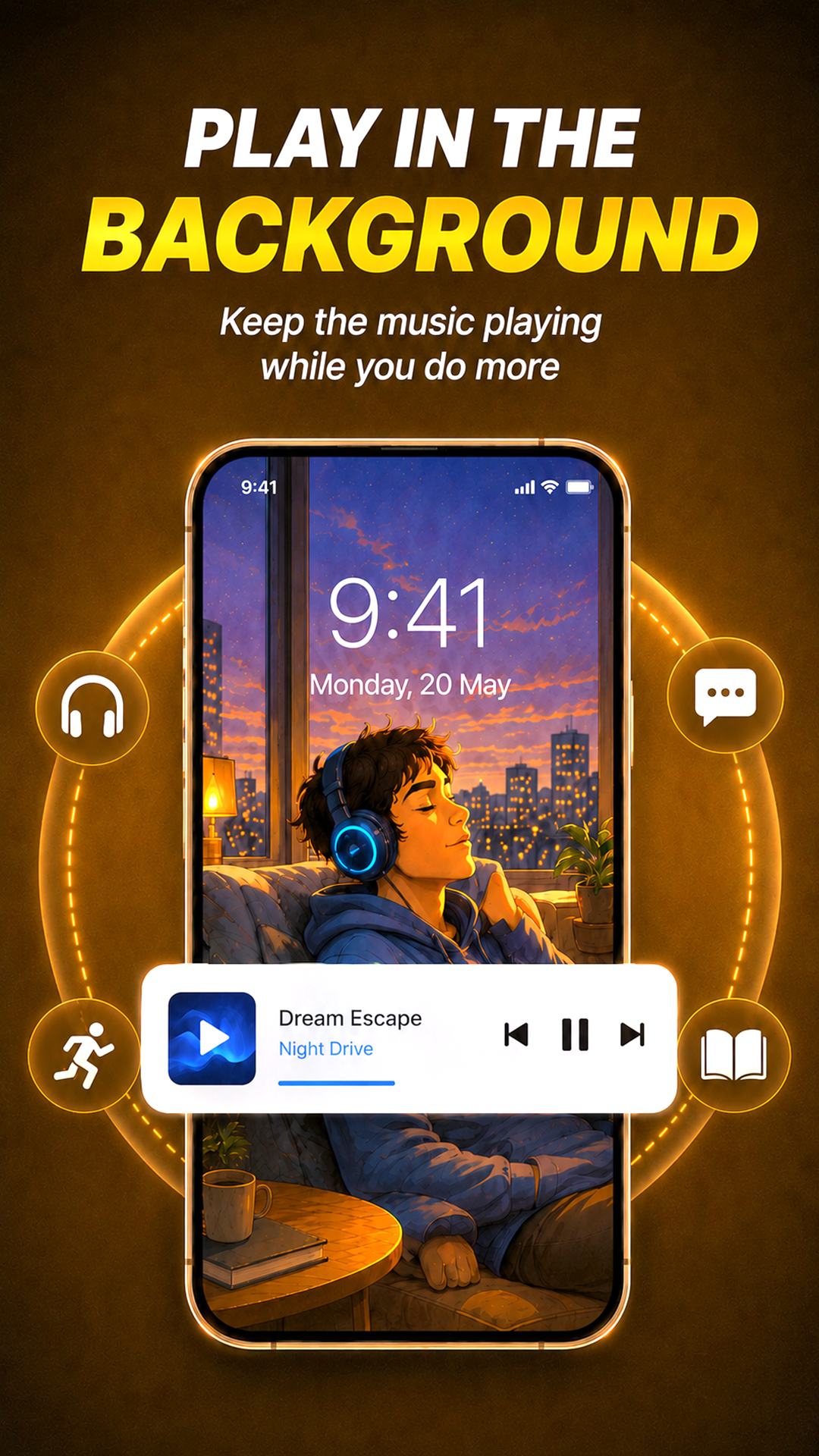
NAVO background music player
NAVO Video Player — Play everything in one app
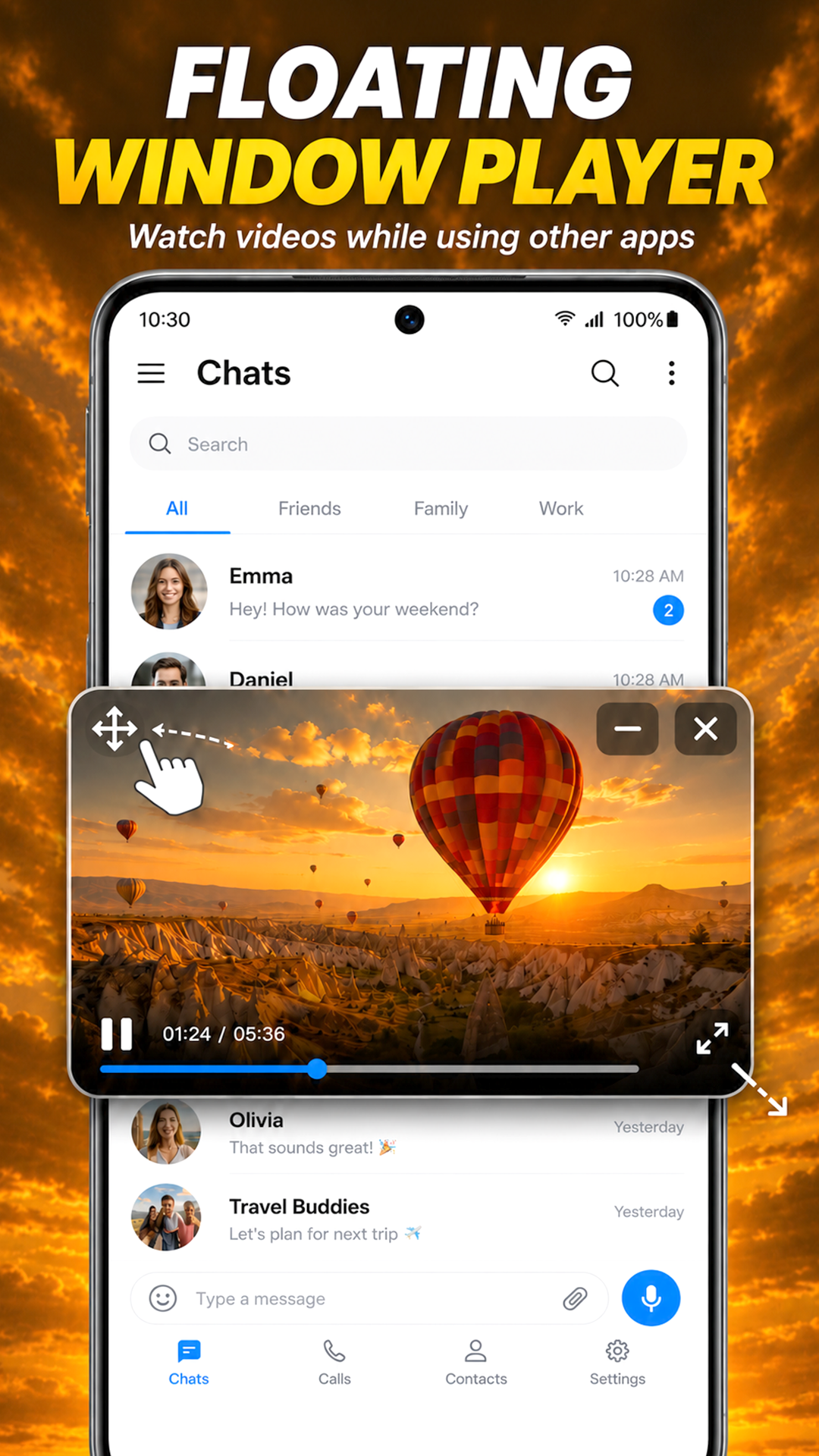
NAVO floating window player
4KUltra HD Playback
20+Video Formats
6-in-1Video · Music · Cast · Download · Float · Files
FreeAlways Free to Download
★ 4.7Play Store Rating

More Than Just a Video Player

Video, music, downloads, casting — everything in one lightweight app. No need to install five separate apps.

🎬

HD Video Player

Ultra 4K smooth playback with hardware acceleration. Gesture controls for brightness, volume & seek.

Ultra 4KHW DecodeFull Screen
🎵

Background Music Player

Music plays when screen is off or you switch apps. Lock screen controls and notification bar player.

Screen-OffLock ScreenNotification
🪟

Floating Window Player

Watch any video in a draggable, resizable overlay while using any other app simultaneously.

Picture-in-PictureResizableDraggable
⬇️

Video Downloader

Save videos from TikTok, Instagram & Facebook directly to your device. One tap, instant save.

TikTokInstagramFacebook
📺

Cast to Smart TV

Stream wirelessly to any Chromecast or DLNA Smart TV. Your phone becomes the remote.

ChromecastDLNAWireless
📁

Smart File Manager

All videos, music and downloads organized in one place. Browse by type, folder, or recent.

Auto-SortFavoritesFolders
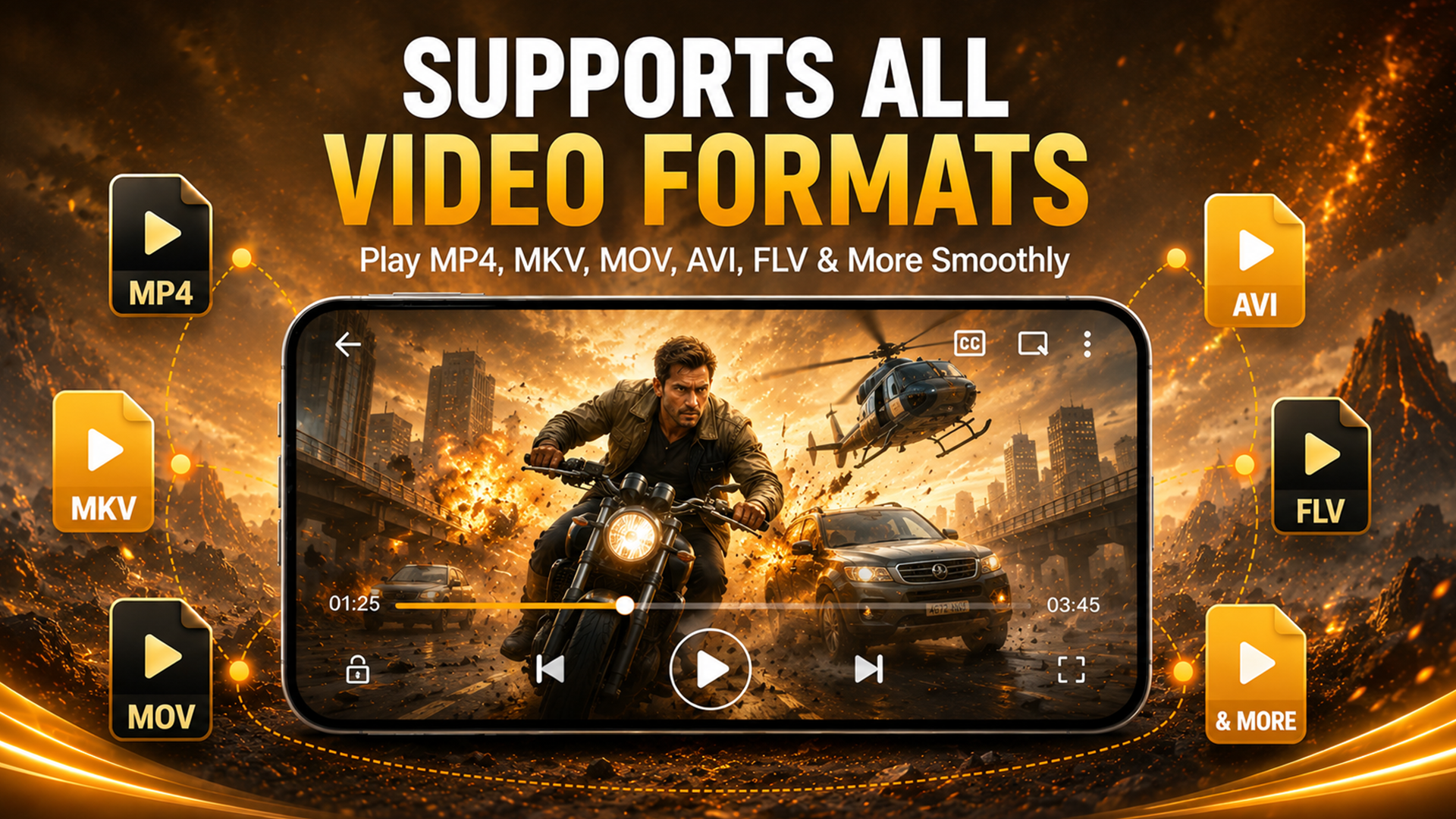
NAVO supports all video formats — MP4, MKV, MOV, AVI, FLV

Supports All Video Formats — Play Anything

One player, every format. No conversion, no extra codecs, no extra steps. Just tap and play.
MP4, MKV, MOV, AVI, FLV, WMV, 3GP & more
Ultra 4K and Full HD smooth playback
Hardware-accelerated decoding — zero lag
Gesture swipe: seek, volume & brightness
Full screen lock to prevent accidental taps
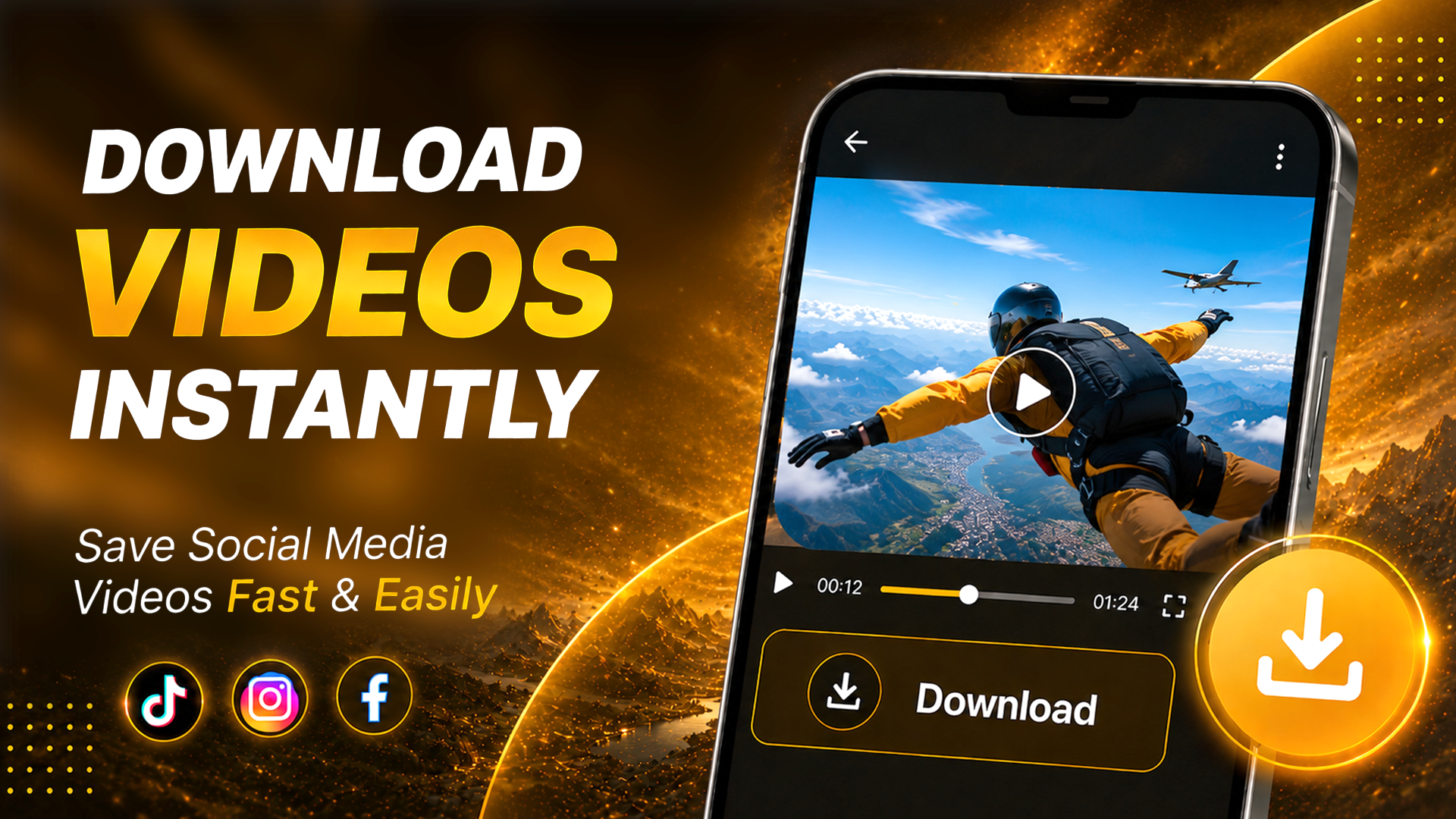
Download videos instantly from TikTok, Instagram, Facebook

Download Videos Instantly — Save to Your Phone

Save social media videos to your device in seconds. No browser needed, no login, no hassle.
Download from TikTok, Instagram & Facebook
Fast download with live progress bar
Saved directly to your file manager
Watch offline — no internet required after
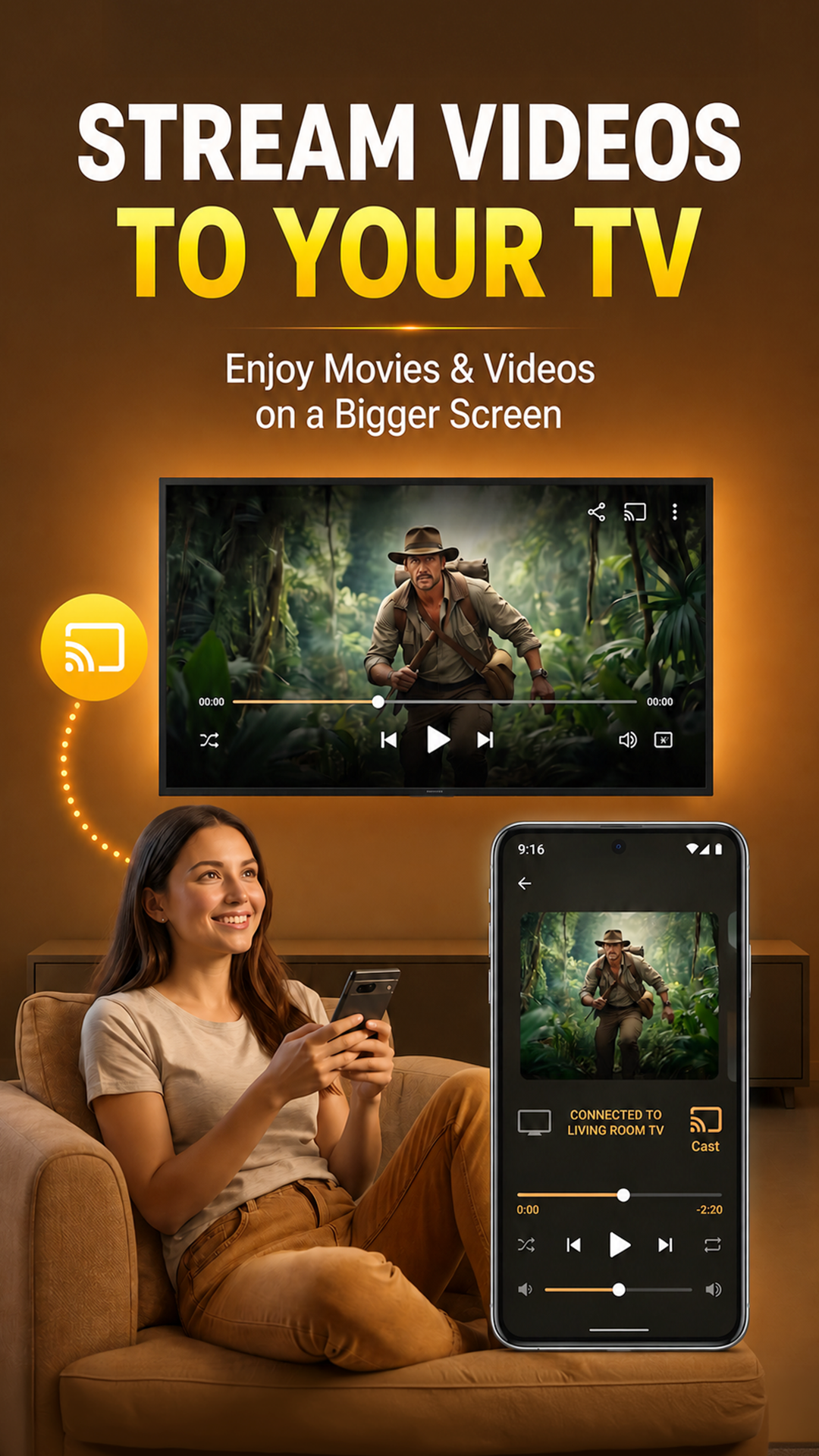
Stream videos to your Smart TV with NAVO

Stream Videos to Your TV — Instantly

Turn any video on your phone into a big-screen experience. Wireless, effortless, zero quality loss.

Works with Chromecast & DLNA Smart TVs
No cables — instant wireless connection
Phone acts as full remote control
Subtitles supported on big screen
Background music player — plays with screen off

Music Keeps Playing — Even With Screen Off

Lock your screen, switch apps, browse the web — NAVO keeps the music running without interruption.

Plays with screen locked or off
Control from lock screen & notification bar
Works while gaming, texting, or browsing
Perfect for workouts, commutes & studying
Floating window video player — watch while using other apps

Watch While Using Any Other App

NAVO's floating player keeps your video on screen at all times — draggable and resizable over every app.
Drag the player anywhere on screen
Pinch to resize to your preferred size
Works over every app on your phone
Minimize to audio-only with one tap
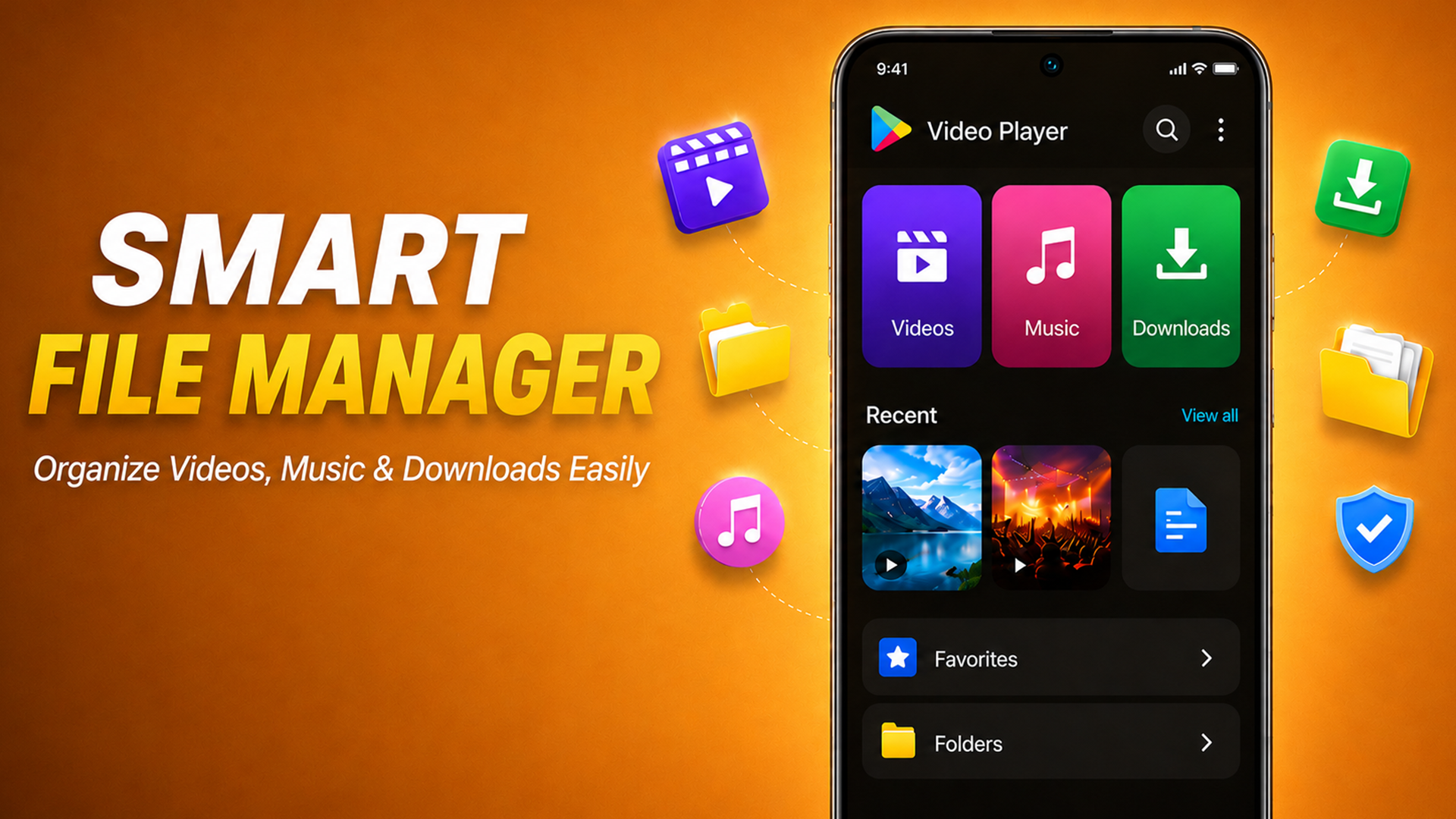
Smart file manager — organize videos, music and downloads

Smart File Manager — All Media in One Place

No separate file manager needed. NAVO organizes all your videos, music, and downloads automatically.

Browse by Videos, Music or Downloads
Pin favorites for one-tap access
Clean folder view with fast search
Recently played shown on home screen

See NAVO in Action

Play everything in one app Supports all video formats Download videos instantly Stream to Smart TV Background music player Floating window player Smart file manager

Start Playing in 3 Simple Steps

No complicated setup. Download, tap play, done.

01

Download & Open

Install NAVO Video Player from Google Play Store. Open the app and grant media permissions.

02

Choose What to Play

Browse Videos, Music, or Downloads. NAVO auto-detects all media on your device instantly.

03

Enjoy & Cast

Play in HD, cast to TV, float the player, download from social, or listen in background.

Built for Every Kind of Viewer

🎬

Movie Lovers

Play any format, cast to TV, watch offline — the full cinema experience on your phone.

🎵

Music Fans

Listen in the background, lock screen, or while working out — music never stops.

📱

Social Scrollers

Save TikTok, Instagram & Facebook videos instantly to watch anytime, offline.

🏠

Home Users

Cast movies to the living room TV wirelessly. No cables, no fuss, any device.

Every Format You'll Ever Encounter

NAVO plays them all natively. No conversions, no extra codecs, no frustration.

MP4 MKV MOV AVI FLV WMV 3GP HEVC H.264 H.265 TS MP3 FLAC AAC WAV OGG & More

NAVO vs Other Video Players

Feature ✦ NAVO Player VLC MX Player KMPlayer
Ultra 4K Playback
All Video Formats
Background Music Player
Floating Window Player
Social Video Downloader
Smart TV Cast
Built-in File Manager
Completely FreeAdsAds

Frequently Asked Questions

Yes. NAVO Video Player is completely free to download and use. All core features — HD playback, music player, floating window, file manager, video downloader, and Smart TV cast — are available at no cost.
NAVO supports all major video formats including MP4, MKV, MOV, AVI, FLV, WMV, 3GP, HEVC (H.265), H.264, and more. No extra codecs required — everything plays natively.
Yes. The built-in video downloader lets you save videos from TikTok, Instagram and Facebook directly to your device. Videos are saved to your Downloads folder and instantly accessible in the file manager.
NAVO supports casting to any Chromecast-enabled Smart TV and DLNA-compatible devices. Make sure your phone and TV are on the same Wi-Fi network, then tap the cast icon in the player.
Yes. NAVO's background music player continues playing even when you lock the screen, switch apps, or turn off the display. Control playback from the lock screen or notification bar.
Yes. NAVO is lightweight and optimised to run smoothly on all Android devices, including budget and older phones. Hardware acceleration ensures smooth playback without high-end specs.
While playing a video, tap the floating window icon in the player controls. The video will pop up as a draggable overlay. Drag it anywhere, pinch to resize, and continue using other apps while watching.

Start Watching.
It's Free.

Join millions of Android users who play, download, and cast with NAVO — the all-in-one media player app.
Get it on Google Play